Can a browser-based PDF platform replace your clunky desktop software? Here’s the honest breakdown.
1.Introduction: What Is Smallpdf?
Smallpdf is a popular, cloud-based PDF platform that lets you work with PDF files directly in your browser — no heavy software installation required. It started as a simple PDF-to-Word converter and has grown into a toolkit of 30+ PDF tools.
At its core, Smallpdf handles the everyday jobs people actually need:
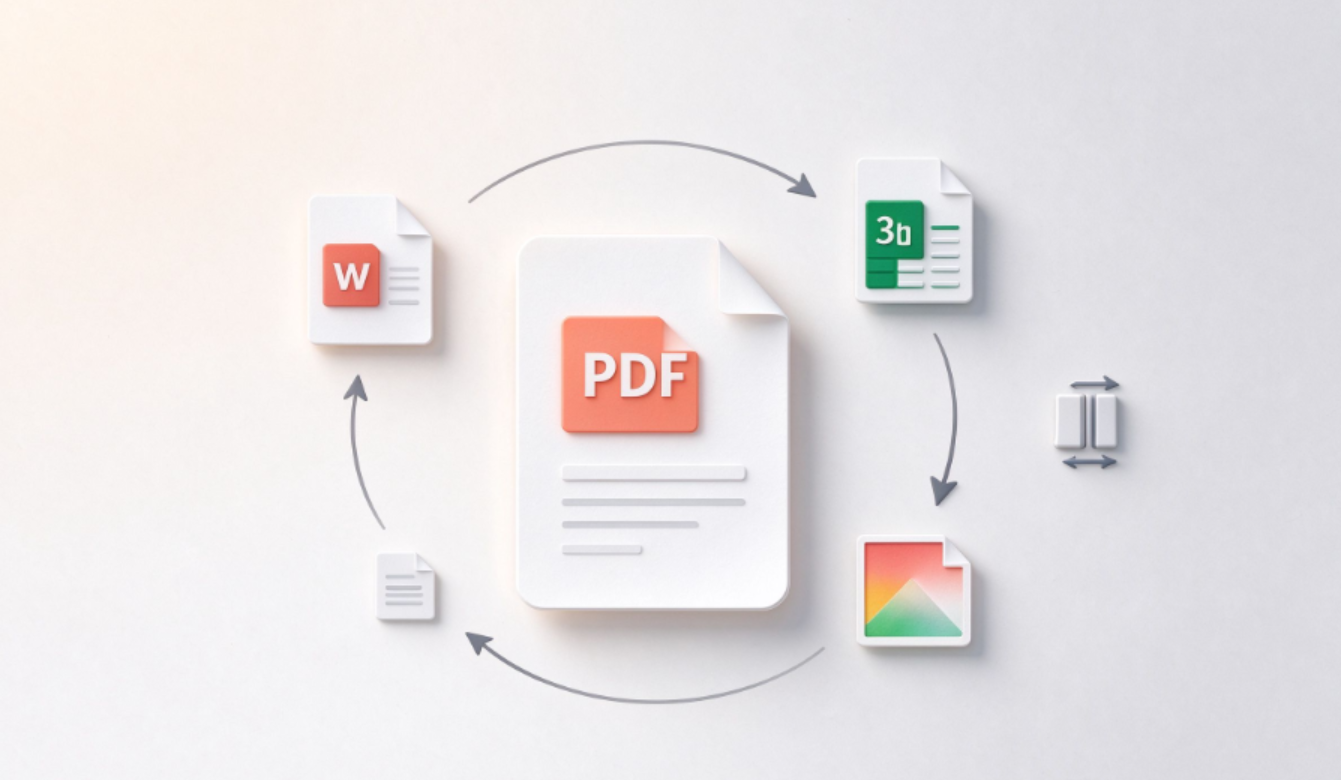
- Convert PDFs to and from Word, Excel, PowerPoint, and images (JPG).
- Compress PDF file sizes without wrecking quality.
- Edit text, add pages, rotate, merge, split, and delete.
- eSign documents and request signatures.
- OCR to make scanned PDFs editable and searchable.
- AI tools — chat with a PDF, auto-summarize documents, and generate questions.
Files are processed over a secure 256-bit TLS connection, and Smallpdf integrates directly with Google Drive and Dropbox. There’s also a desktop app for offline work and mobile apps for on-the-go scanning and editing.
In short: Smallpdf aims to be the one website you visit whenever a PDF gives you trouble.
2.Pros
- Genuinely easy to use. Clean, intuitive UI — most tools work in two clicks with zero learning curve.
- Huge toolset in one place. Convert, compress, edit, sign, OCR, merge, split, unlock, and protect all under one roof.
- Strong AI extras. Chat-with-PDF and document summarization are genuinely useful for students and professionals.
- Great cloud integrations. Connects natively to Google Drive and Dropbox, so you never have to download/re-upload files.
- Works everywhere. Browser-based means it runs on Windows, Mac, Chromebooks, and even low-powered machines.
- Reasonable Pro pricing. Compared to big-name PDF editors, Pro is affordable for what you get.
- Polished e-signing. Includes a bundled Sign.com subscription for unlimited signatures on paid plans.
3.Cons
- Free tier is very limited. Free users are capped at roughly 2 tasks per day, which runs out fast.
- Offline work needs the desktop app. The best features live online; the free web version isn’t a full offline editor.
- No advanced pro editing. It won’t replace Adobe Acrobat for complex form design, redaction workflows, or deep typographic control.
- File-size limits on free. Larger documents may require Pro to process.
- Batch processing is paywalled. Converting many files at once needs a subscription.
- Internet dependence. If you’re offline and without the desktop app, you’re stuck.
4.Pricing: Free vs. Paid
|
Free
|
Pro (Individual)
|
Team
|
|
|
Cost
|
$0
|
Around $9/month, billed annually (monthly billing costs more)
|
Around $7/month per user (2–100 seats), billed annually
|
|
Tools
|
Limited access
|
Unlimited access to all 30+ tools
|
Unlimited, plus team management
|
|
Daily tasks
|
~2 conversions/day
|
Unlimited
|
Unlimited
|
|
OCR & edit text
|
No
|
Yes
|
Yes
|
|
Strong compression
|
No
|
Yes
|
Yes
|
|
AI tools (chat, summarize)
|
Limited
|
Unlimited
|
Unlimited
|
|
Mobile app
|
Limited tasks
|
Unlimited
|
Unlimited
|
|
Signatures
|
Limited
|
Unlimited (Sign.com Premium)
|
Unlimited
|
|
Trial
|
—
|
7-day free trial
|
Custom / trial available
|
Bottom line on pricing: The free tier is a taste, not a daily driver. If you touch PDFs more than a couple of times a week, Pro pays for itself fast — especially the annual plan, which is about 25% cheaper than paying month-to-month.
5.Who Is Smallpdf Best For?
- Students and writers who convert documents and need to summarize or read long PDFs.
- Freelancers and small teams who send and request signed contracts.
- Office workers dealing with daily conversions, merges, and compression.
- Chromebook / Mac users who don’t want (or can’t run) a heavy desktop PDF suite.
It’s less ideal for professional document designers who need pixel-perfect page layout, advanced redaction, or large-scale batch automation at enterprise level — that territory belongs to Acrobat or dedicated DMS tools.
6.Summary
Smallpdf is the friendly face of PDF software: it takes a traditionally painful task list and makes it feel effortless. The conversion quality is reliable, the AI summarization is a nice modern touch, and the Google Drive/Dropbox integration saves real time.
The catch is the deliberately stingy free tier — two tasks a day is enough to convince you, then nudge you to upgrade. But at roughly $9/month (annual), Pro is affordable, and the 7-day trial lets you test the full experience before paying.
If your PDF needs are everyday and practical rather than enterprise-complex, Smallpdf is one of the simplest, best-value tools you can pick.
Prices and features are based on publicly listed information and may change; always verify on the official Smallpdf site before subscribing.