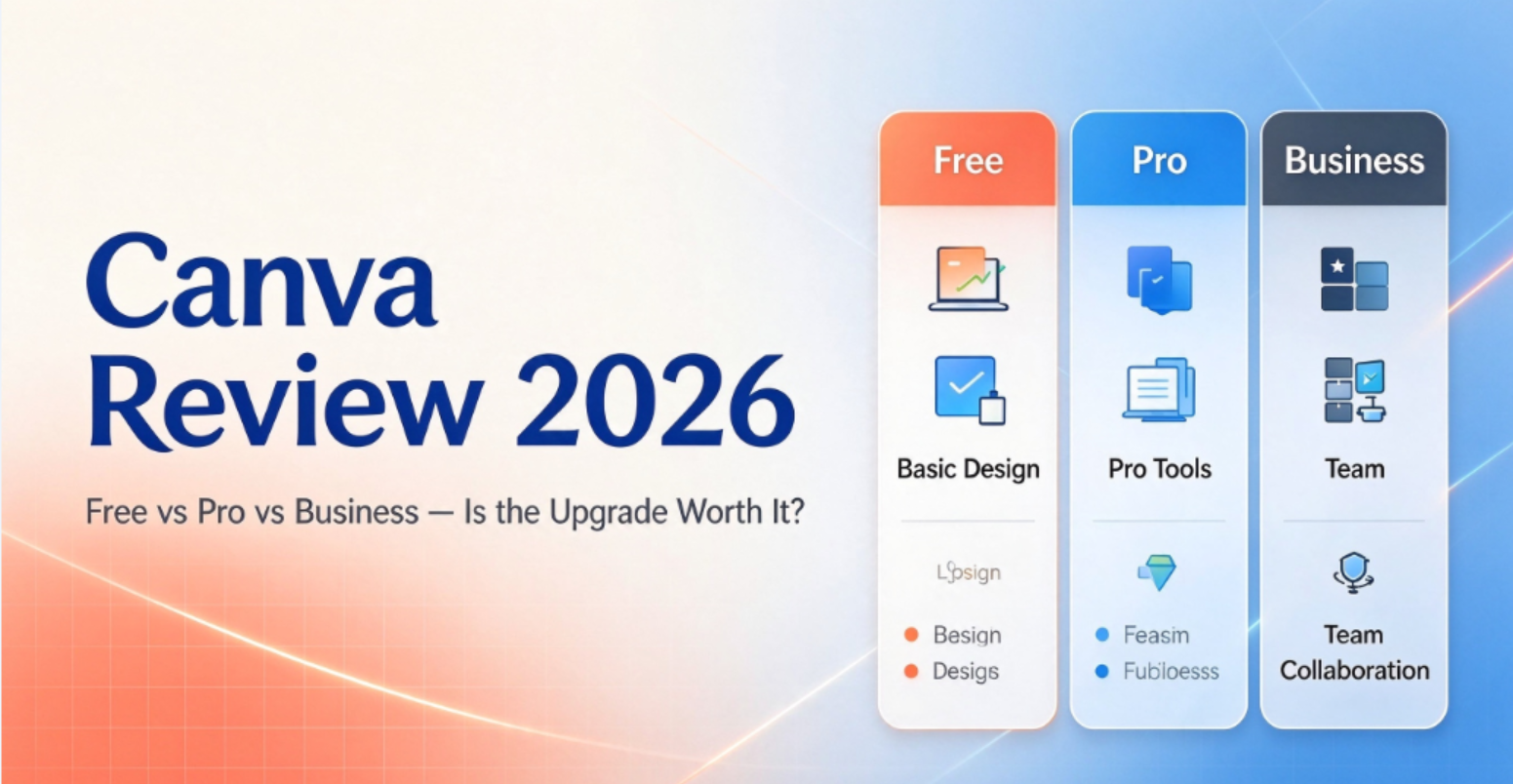
Canva has become one of the most accessible graphic design tools for people who need professional-looking visuals without learning complicated design software. Its drag-and-drop editor, extensive template library, built-in content assets, and growing collection of AI features make it useful for everything from social media posts and presentations to marketing materials and short videos.
But is Canva Free enough for everyday use? What do you actually gain with Canva Pro, and when does Canva Business make more sense?
In this Canva review, we break down its main features, advantages and disadvantages, pricing, AI limitations, and the type of user each plan suits best.
1. What Is Canva?
Canva is an online visual design platform that helps individuals and businesses create graphics, documents, presentations, videos, and other digital or print materials.
Unlike professional design software that often requires a steeper learning curve, Canva relies on a visual editor and ready-made layouts. You can start with a template, replace the text and images, adjust the colors, and export your finished design without building everything from scratch.
Canva’s free plan includes more than 1.6 million templates, over 4.7 million photos, videos, graphics, and audio assets, and 5 GB of cloud storage. Paid plans unlock a much larger premium content library, additional brand-management features, and more advanced tools.
Its AI capabilities have also expanded. Depending on your plan and usage allowance, Canva can help you generate images and designs, write copy, remove image backgrounds, resize layouts, edit visual content, and create certain types of AI-generated video.
Key takeaway: Canva is designed to make everyday visual content creation faster and more accessible. It is particularly useful when speed, convenience, and reusable templates matter more than advanced manual control.
2. Canva Pros and Cons
Pros
A genuinely useful free plan
Canva Free is not just a limited demonstration. You can create social media graphics, presentations, resumes, flyers, and other designs without paying for a subscription. Many casual users may find that it covers their needs indefinitely.
A short learning curve
The template-based editor makes it easy to produce polished-looking content without starting from a blank page. For small businesses and content creators, this can reduce the time spent on repetitive design tasks.
Practical AI-assisted editing
Tools such as background removal, Magic Resize, and AI-assisted content generation can simplify common tasks. Their availability and usage limits depend on the plan and specific feature, but they can be valuable when producing content regularly.
A broad range of design formats
Canva supports social media graphics, presentations, documents, videos, websites, print materials, and more. Having these tools in one platform can reduce the need to switch between multiple applications.
Useful options for eligible organizations
Canva offers dedicated education and nonprofit programs. Eligible users may qualify for premium features at no cost, subject to the relevant eligibility requirements.
More collaboration options with Business
Canva Business adds team administration, expanded brand management, approval workflows, and a higher AI allowance. These features can help organizations maintain consistent branding across multiple contributors.
Cons
Not every feature is included in the free plan
Some templates, stock assets, export options, and editing tools require a paid plan. A design may also contain premium elements that need to be replaced or unlocked before you can use them as intended.
AI usage is not unlimited
Canva uses a shared monthly allowance for certain AI tools. More advanced features can consume more of that allowance than simpler tasks, so the number of generations you get depends on what you use. Additional AI access may require an eligible add-on or a different plan.
Subscriptions can become expensive over time
The monthly plan costs more per month than annual billing in the US pricing shown by Canva. If you only design occasionally, a paid subscription may not provide enough value to justify the recurring cost.
Less control over complex design work
Canva is excellent for many everyday projects, but professional illustrators, advanced image editors, and designers working on intricate vector artwork may prefer specialist software.
Templates can make designs look generic
Starting with a template saves time, but using popular layouts without meaningful customization can make your content look similar to everyone else’s. Strong typography, consistent branding, and original visual choices still matter.
3. Canva Pricing: Free vs. Pro vs. Business
Canva offers several plans for individuals, teams, and larger organizations. The best option depends on your required features, collaboration needs, and AI usage.
The following table uses Canva’s published US pricing as a reference. Prices and plan availability can vary by country, currency, taxes, billing method, and promotional offer.
| Plan | Published US price reference | Best for |
|---|---|---|
| Free | $0 | Casual users and beginners |
| Pro | $144/year or $18 month-to-month | Individual creators and small businesses |
| Business | $250 per person/year | Teams and growing businesses |
| Enterprise | Custom pricing | Larger organizations needing advanced administration and security |
Pricing reference checked in October 2026. Confirm the price displayed for your location on the official Canva pricing page before subscribing.
Canva Free
Canva Free is the best starting point for users who want to create attractive content without committing to a subscription.
It includes:
- More than 1.6 million templates
- Over 4.7 million photos, videos, graphics, and audio assets
- 5 GB of cloud storage
- One Brand Kit with limited color settings
- Basic design, document, presentation, and video creation
- Limited access to selected AI tools
The main trade-off is access to premium content and advanced features. If your designs rarely require premium assets or specialized editing tools, upgrading may not be necessary.
Canva Pro
Canva Pro is aimed at individual creators, marketers, freelancers, and small business owners who create content regularly.
Its benefits include:
- A larger library of premium templates and stock content
- Background removal and other advanced editing tools
- Magic Resize and additional productivity features
- Up to five Brand Kits
- 100 GB of cloud storage
- Social content scheduling
- A larger allowance for eligible AI tools
Canva’s published US reference price is $144 per year or $18 per month when billed monthly. Annual billing is cheaper overall than paying month to month at those rates.
Is Pro worth it? It can be worthwhile if you frequently remove backgrounds, reuse branded designs, need premium assets, or create content for multiple platforms. If you only make a few simple graphics each month, try the free plan first.
Canva Business
Canva Business is intended for businesses and teams that need more than an individual design subscription.
Depending on the current plan and eligibility, it adds features such as:
- Team administration and collaboration tools
- Up to 100 Brand Kits
- Design approval workflows
- More cloud storage
- A larger monthly allowance for eligible AI tools
- Additional business-oriented content and analytics features
Canva’s published US reference price is $250 per person per year. Team size, billing arrangements, and the features available to your account should be checked directly before purchasing.
Business is generally a better fit when several people need to work with shared brand assets and consistent approval processes. A solo creator should compare its benefits carefully against Pro before paying more.
Canva Enterprise
Enterprise is designed for larger organizations that require more advanced administration, security, and organizational controls.
Features may include single sign-on (SSO), SCIM provisioning, expanded brand management, and dedicated enterprise support arrangements. Pricing is customized, so organizations need to contact Canva for a quote.
For freelancers and most small businesses, Enterprise is usually unnecessary.
4. How Canva AI Works — and What to Watch Out For
AI is one of Canva’s most important selling points, but it is worth understanding the difference between individual AI features and the shared monthly AI allowance.
Useful AI features
Depending on the plan and current feature availability, Canva’s AI tools can help with:
- Writing: Drafting or improving marketing copy and other text.
- Image generation: Creating images and visual elements from prompts.
- Background removal: Isolating a subject from its background.
- Resizing and adaptation: Reformatting designs for different dimensions.
- AI-assisted editing: Modifying images and generating design elements.
- Video creation: Using supported AI features to generate or transform video content.
These tools can speed up common tasks, but the output still needs human review. AI-generated text may contain factual errors, and generated images may need further editing to fit your brand.
Understanding AI usage limits
Canva does not treat every AI feature as an identical, unlimited generation. Some tools use a shared allowance, and more advanced tasks can consume more of it.
Canva’s published guidance gives the following estimates for selected AI usage:
| Plan | Published allowance reference |
|---|---|
| Free | Up to 20 uses of Standard or Premium AI tools |
| Pro | Up to 200 Premium AI uses, or up to 20 Ultra AI uses |
| Business | Up to 400 Premium AI uses, or up to 40 Ultra AI uses |
| Enterprise | Up to 400 Premium AI uses, or up to 40 Ultra AI uses |
These figures are estimates, not guaranteed counts for every feature. Standard, Premium, and Ultra tools use the allowance at different rates, and complex tasks can consume more. Some Standard AI tools on eligible paid plans do not draw from the shared allowance, subject to fair-use limits.
Trial allowances can also differ from the allowance available after a subscription becomes paid. Check the current Canva AI usage guide for the latest details.
Practical tip: If AI generation is central to your workflow, review your allowance before planning a large batch of images or videos. Canva’s billing settings show your usage and remaining balance.
5. Who Should Use Canva?
Canva is particularly suitable for people who need attractive visual content but do not want to spend significant time learning professional design software.
Content creators and social media managers
Canva is useful for posts, thumbnails, stories, promotional graphics, and other recurring content. Pro becomes more attractive when premium assets, resizing, and brand consistency save time every week.
Small business owners and marketers
You can create advertisements, flyers, presentations, product graphics, and branded materials within one platform. Pro is a reasonable starting point for one-person marketing operations, while Business may be more suitable for a team.
Teachers and students
Canva can help with presentations, worksheets, visual assignments, and classroom materials. Eligible education users should check whether they qualify for Canva’s education program before paying.
Freelancers
Freelancers who regularly create client deliverables may benefit from premium assets and brand tools. However, they should check content licensing terms and confirm that the selected plan supports their intended commercial use.
Professional designers
Canva can be a useful supplementary tool for quick layouts and client presentations. It may not replace specialist software for complex vector illustration, detailed image manipulation, or demanding print-production workflows.
6. Canva Alternatives: Is There a Better Option?
Canva is not the only design tool worth considering. The right alternative depends on the work you need to do.
- Adobe Express: Worth comparing if you want template-based design tools within Adobe’s broader creative ecosystem.
- Adobe Illustrator: Better suited to complex vector illustration and precision-focused design work.
- Adobe Photoshop: A stronger choice for advanced image manipulation and detailed photo editing.
- Affinity: Worth exploring for users who want more hands-on control over vector, photo, and layout workflows.
For everyday social graphics, presentations, and marketing materials, Canva’s combination of templates and accessibility is difficult to overlook. For specialized professional work, a dedicated design application may provide more control.
7. Frequently Asked Questions
Is Canva really free?
Yes. Canva offers a free plan with design tools, templates, stock assets, and limited AI access. Some premium content and advanced features require a paid subscription.
Is Canva Pro worth paying for?
It depends on how often you use it. Pro is most useful when premium assets, background removal, resizing, brand kits, and other paid features save you time on recurring projects. Occasional users may be better off staying on Free.
Is Canva Pro for one person or a team?
Canva Pro is designed for an individual user. Businesses that need team administration, shared brand management, and approval workflows should compare Canva Business instead.
Does Canva AI have a usage limit?
Yes. Certain AI tools share a monthly allowance, and advanced features can consume more of it. The allowance and eligible features depend on your plan. Some Standard AI tools on paid plans are subject to fair-use limits rather than drawing from the shared allowance.
Can I use Canva designs commercially?
Commercial use depends on the content, applicable licensing terms, and how the design is used. Review Canva’s current content-license terms, especially when working with stock assets, trademarks, client projects, or products intended for resale.
Is Canva suitable for professional design?
It is suitable for many professional marketing, presentation, and social media tasks. For complex vector artwork, advanced photo editing, or specialized production requirements, professional design software may be a better fit.
8. Final Verdict: Is Canva Worth It in 2026?
Canva remains a strong option for people who want to create professional-looking visuals quickly without a steep learning curve.
Its biggest advantage is convenience: templates, stock content, editing tools, and AI-assisted features are available in one place. The free plan is capable enough for many everyday projects, while Pro can provide meaningful value for creators who use its premium features regularly.
Business is worth considering when multiple people need shared brand assets, team administration, and approval workflows. Enterprise is aimed at organizations with more demanding security and management requirements.
Our recommendation: Start with Canva Free. Upgrade to Pro when you can identify specific features that save you time or improve your work, and consider Business only when your collaboration needs justify the extra cost.
Before subscribing, verify the price, included features, AI allowance, and renewal terms for your region on the official Canva website.