introduction
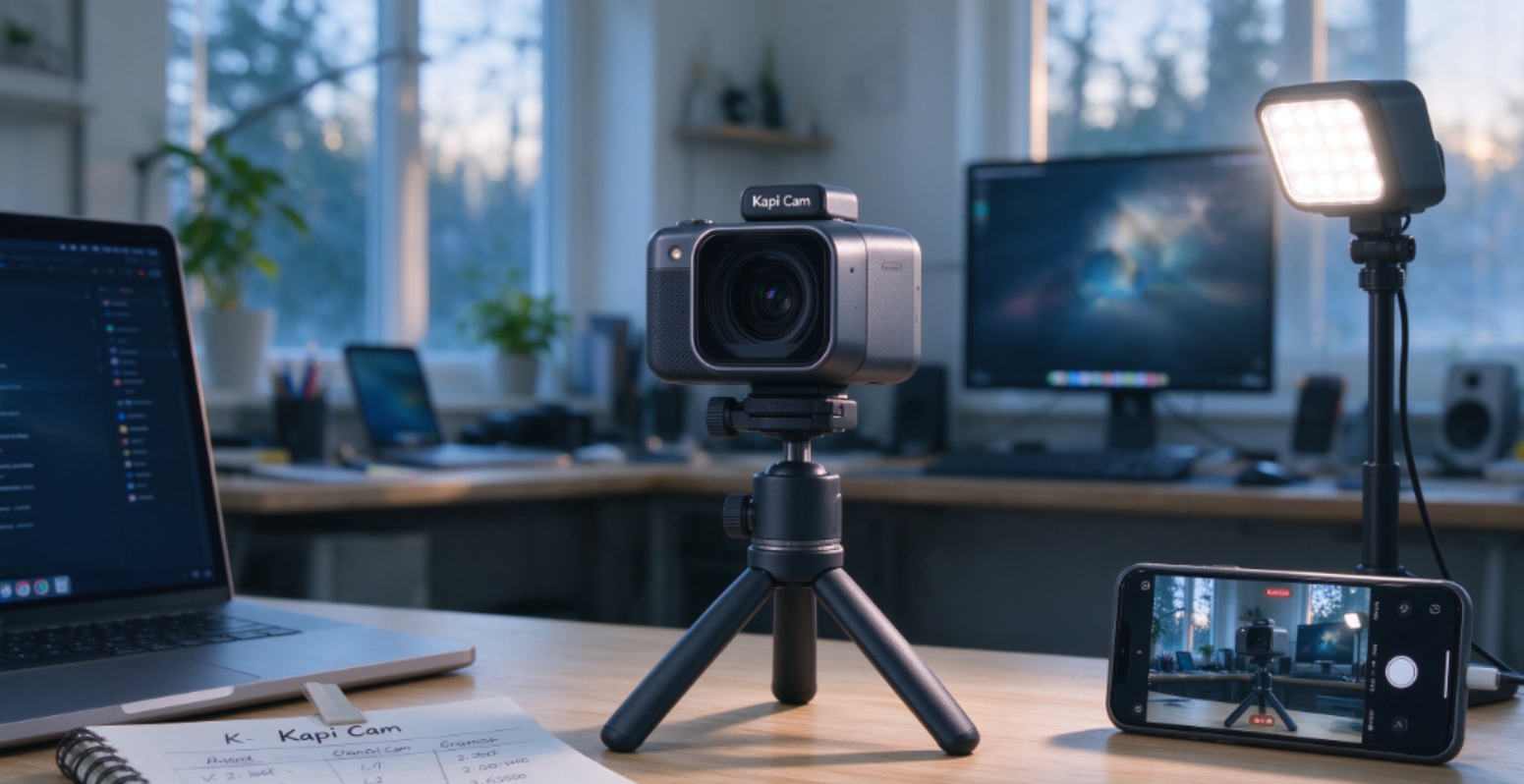
Kapi Cam is a retro-style camera app that lets you shoot photos and videos with DV, CCD, film, and early digital camera aesthetics. Instead of only adding filters after shooting, it focuses on real-time preview so you can see the grain, color shift, date stamp, and low-fidelity mood before you press the shutter. It has become popular among users who like Y2K visuals, travel diaries, street snapshots, and social media photos that feel less “perfect” and more nostalgic.
What makes Kapi Cam stand out is how simple it is to use. You do not need to understand film stocks or color grading. The app gives you a selection of retro looks, and you can switch between them while shooting. That makes it useful for people who want film-like results without buying a physical CCD camera, disposable camera, or old DV camcorder.
Its strengths are atmosphere and ease of use. The interface is clean, the effects are easy to preview, and the results work well for Instagram, TikTok, and personal photo journals. It is also lightweight enough for casual daily shooting. However, it is not a full professional camera app. If you need manual exposure control, RAW files, or advanced color grading, Kapi Cam will feel limited. Some premium styles may also require in-app purchases, and pricing can vary by region and app store.
Kapi Cam is best for casual photographers, students, travelers, and social media users who enjoy retro visuals. It is not the best choice for users who want DSLR-level control or heavy post-processing. If your goal is to make everyday photos feel nostalgic with minimal effort, Kapi Cam is a strong option in 2026.
What Kapi Cam Does
Kapi Cam focuses on retro photography and creative shooting. It simulates different classic camera styles and helps users capture photos that feel like they were taken with old film cameras, CCD cameras, or instant cameras.
Key features include:
- Vintage Camera Simulation: Recreates classic film and CCD camera looks.
- Real-Time Filter Preview: Shows retro effects before you take the photo.
- AI-Assisted Composition: Helps users choose better angles and styles.
- Film Grain and Light Leak Effects: Adds natural-looking texture to photos.
- Social Media Ready Output: Produces photos that work well on Instagram, TikTok, and other platforms.
- Simple Shooting Interface: Designed for quick, one-tap creative photos.
Pros
- Strong vintage and film-style aesthetics.
- AI features help with composition and style selection.
- Easy to use for beginners.
- Works well for travel, street photography, and daily snapshots.
- Popular in multiple international markets.
- Good alternative for users who like retro photos without buying a film camera.
Cons
- Mainly focused on vintage styles, not professional manual shooting.
- Limited advanced editing compared with Lightroom or Snapseed.
- Some effects may look repetitive after long-term use.
- AI suggestions may not always match personal taste.
- Not ideal for users who want full RAW control.
Pricing Comparison: Free vs. Paid
Exact pricing may vary by region and app store, so check the in-app subscription page for the latest plan.
Who Should Use Kapi Cam?
Kapi Cam is best for users who love retro photography and want an easy way to create film-style photos on their phone. It suits:
- Travelers who want nostalgic travel photos.
- Instagram and TikTok users who like vintage aesthetics.
- Students and young creators who want quick creative shots.
- Film photography fans who do not want to carry a real film camera.
Verdict
Kapi Cam is one of the most interesting mobile camera apps in 2026 because it blends AI tools with vintage photography. It is not a professional manual camera app, but it is excellent for users who want beautiful retro photos with minimal effort.