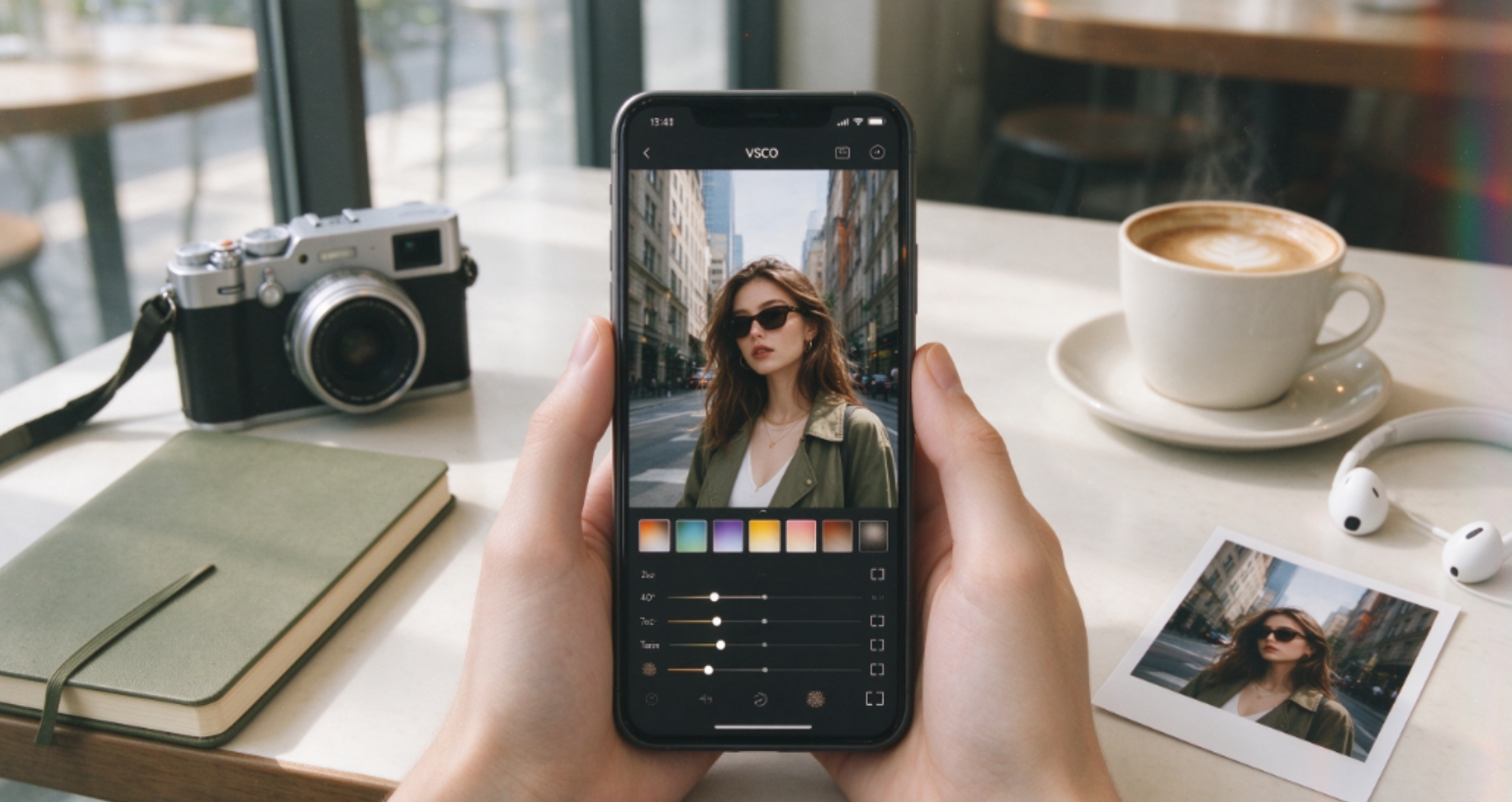
Introduction
VSCO is a photo and video editing app known for its film-style presets, clean interface, and advanced color tools. It is popular among photographers, designers, and social media creators who want a consistent visual style rather than obvious beauty filters. The app offers basic editing tools for free, while its paid membership unlocks a much larger preset library and more advanced controls.
What makes VSCO different is its focus on tone and atmosphere. Instead of pushing heavy filters, it helps you adjust contrast, grain, fade, HSL, and color balance to create a more refined look. Its presets are especially strong for travel photography, street shots, portraits, and minimalist feeds. The app also supports video editing and creative collage tools, making it useful for users who want a unified aesthetic across photos and clips.
The free version is enough for beginners who want simple adjustments and a small selection of presets. The paid membership is more valuable for creators who edit regularly and want professional-level color control. The downside is that many of VSCO’s best features are not available without a subscription, and the app does not focus on AR stickers or heavy selfie beautification.
VSCO is best for users who care about photography style, color grading, and visual consistency. It is less suitable for people who want quick beauty effects, playful stickers, or automated AI portraits. If you want your photos to feel cinematic, film-like, and carefully edited, VSCO remains one of the strongest creative apps in 2026.
What VSCO Does
VSCO helps users edit photos and videos with professional-level color tools. It is especially strong for film-style looks, minimal editing, and consistent visual themes.
Key features include:
- Film-Style Presets: Recreates classic analog camera colors.
- Advanced Editing Tools: Adjust exposure, contrast, HSL, grain, and fade.
- Video Editing: Apply presets and color adjustments to video clips.
- AI Object Removal: Helps remove unwanted elements from photos.
- Collage and Story Tools: Creates layered visuals for social media.
- Creative Community: Share photos, get feedback, and find inspiration.
Pros
- High-quality film and analog-style presets.
- Professional-level color editing tools.
- Works for both photos and videos.
- Clean interface with strong creative control.
- Active community for photographers and creators.
- Suitable for Instagram, portfolios, and personal projects.
Cons
- Many best presets require a paid membership.
- Not designed for heavy beauty retouching.
- May feel complex for absolute beginners.
- Limited AR stickers and playful effects.
- Community features are less active than major social networks.
Pricing Comparison: Free vs. Membership
VSCO offers a free version with limited features, while the full preset library and advanced tools require a membership. Check the app for current pricing.
Who Should Use VSCO?
VSCO is best for users who care about photo aesthetics and color grading. It is ideal for:
- Photographers who like film-style looks.
- Instagram and content creators who want a consistent visual theme.
- Travel, street, and portrait photographers.
- Users who prefer artistic editing over heavy beauty filters.
Verdict
VSCO remains one of the best film-style photo and video apps in 2026. It is not a selfie beauty camera, but it is an excellent choice for creators who want professional-looking presets and refined color control.