1. What Notion Does
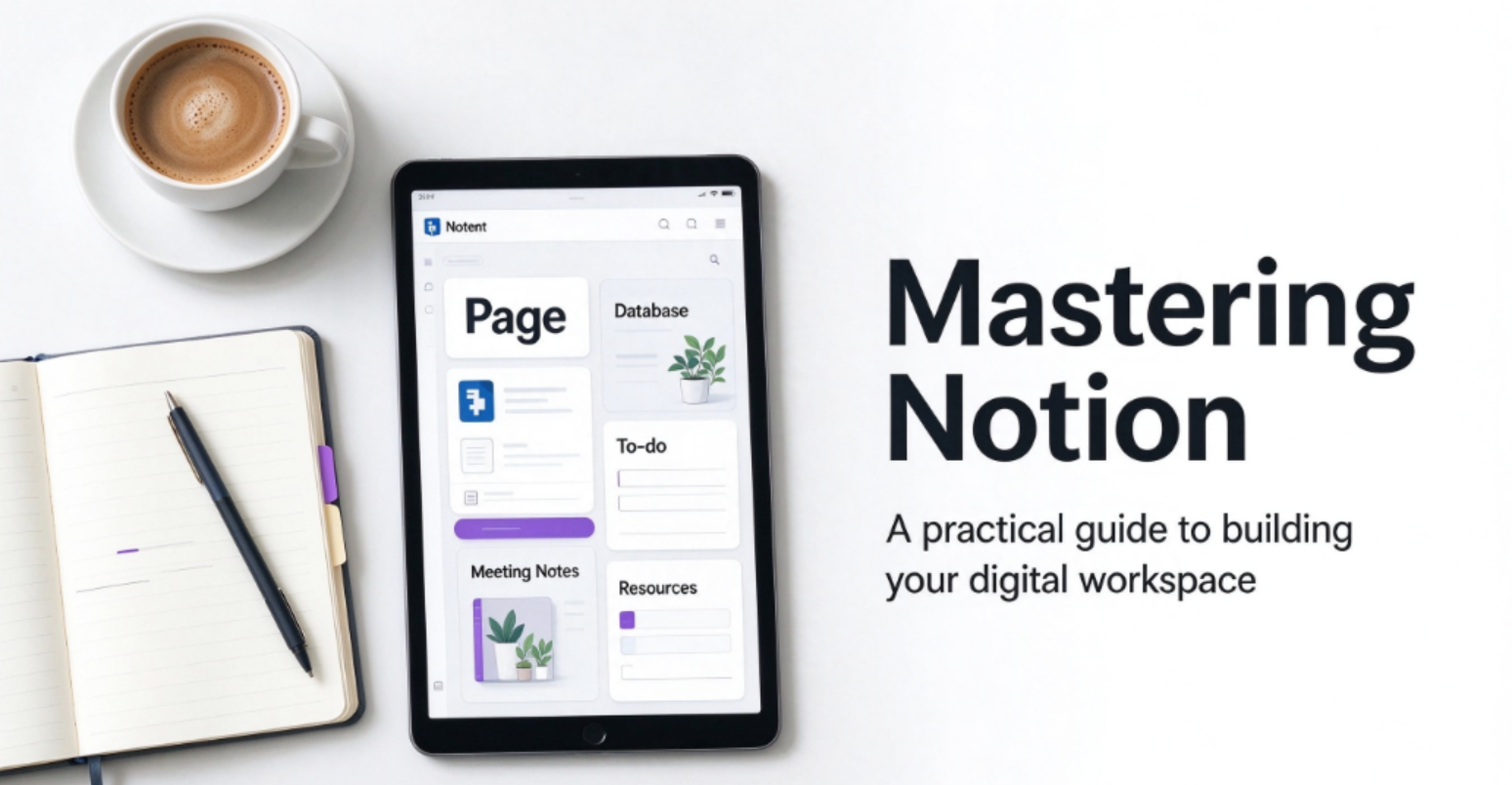
Notion is an all-in-one workspace where notes, documents, databases, wikis, and lightweight project management live on the same page. Its block-based editor lets you mix text, tables, kanban boards, calendars, and galleries freely, and databases can link to each other — making it equally suited to a personal journal or a company wiki. Since 2025, Notion has pushed hard into AI: Notion Agent, Ask Notion, AI Meeting Notes, and Custom Agents are now part of the platform.
2. Pros
- Genuinely useful free plan. Unlimited blocks for solo users — one of the best free tiers in productivity software.
- Extreme flexibility. Databases, relations, rollups, and templates adapt to almost any workflow.
- AI is deeply integrated — Ask Notion can query your whole workspace plus connected tools like Google Drive and Slack.
- Notion Calendar and Mail extend it beyond docs.
- Students and educators get Plus free with a school email.
3. Cons
- Full AI requires the $20/month Business plan. Free and Plus only get a limited AI trial.
- No native email/calendar-driven task capture. Notion won’t read your inbox or auto-create tasks from meetings.
- Learning curve. The blank-page freedom that makes it powerful also makes it easy to overbuild.
- Custom Agents and Workers cost extra credits ($10 per 1,000 credits) on top of Business seats.
4. Pricing: Free vs Paid (Verified October 2026)
|
Plan |
Price (annual billing) |
Key Limits / Unlocks |
|---|---|---|
|
Free |
$0 |
Unlimited blocks (solo), 5 MB files, 7-day history, 10 guests, AI trial |
|
Plus |
10/user/mo (12 monthly) |
Unlimited uploads & guests, 30-day history |
|
Business |
20/user/mo (24 monthly) |
Full AI (Agent, Ask Notion), 90-day history, SAML SSO, private teamspaces |
|
Enterprise |
Custom |
SCIM, audit logs, unlimited history, zero-data-retention AI |
Annual billing saves ~17–20%. Custom Agents bill separately at ~$10 per 1,000 monthly credits.
5. Who Is Notion For?
Solo users and students should stay on Free as long as possible — it’s real software, not a demo. Small teams sharing wikis and databases fit Plus at $10/seat. Only upgrade to Business if you’ll genuinely use the AI suite; paying double for a feature checkbox you’ll never open is the most common Notion purchasing mistake.
6. Verdict
Notion remains the most flexible knowledge tool on the market, and its free plan is the right home for most individuals. For teams, the decision is simple: Plus for collaboration, Business only when AI or SSO becomes a named requirement.