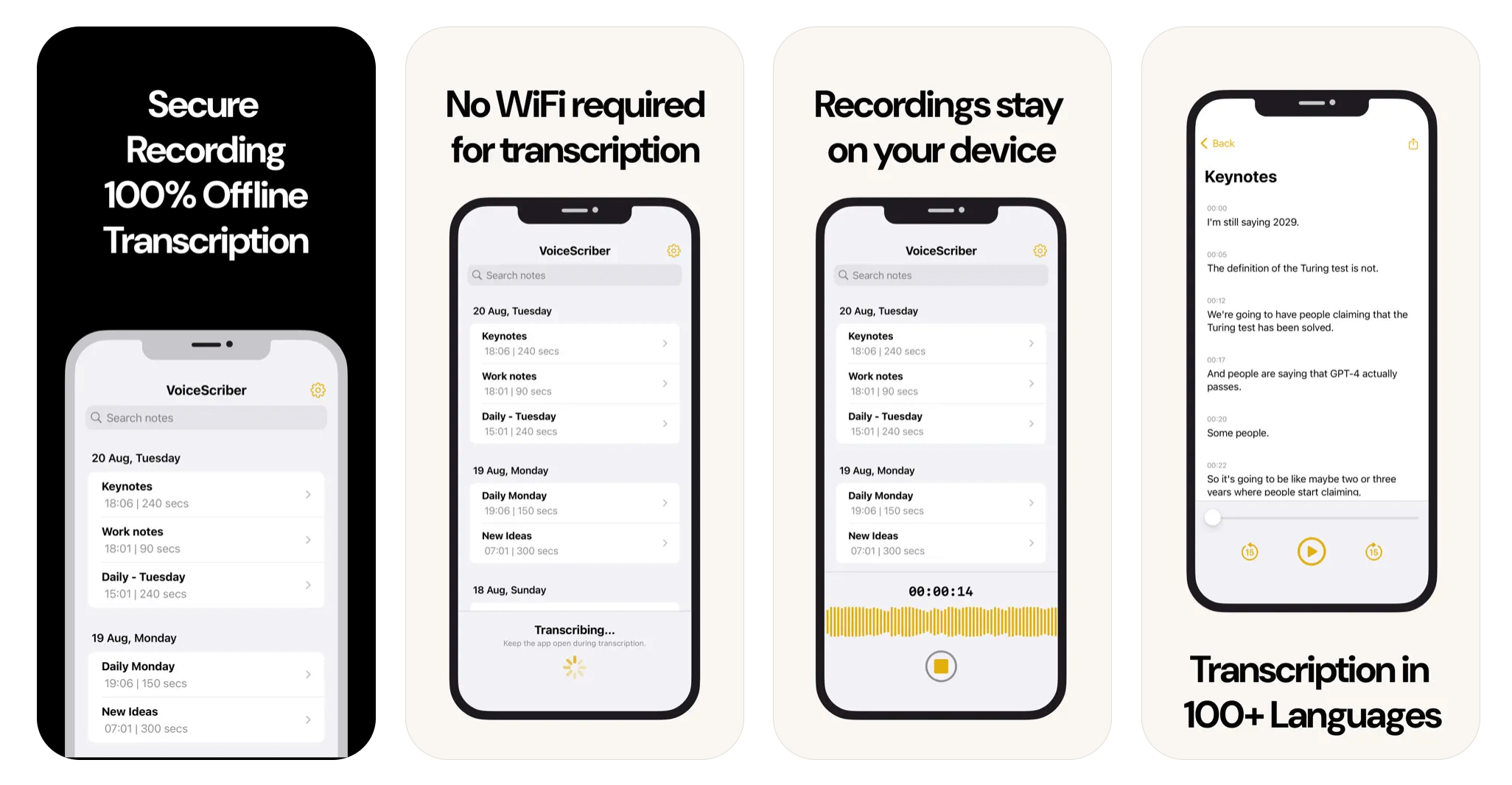
🖼️ Hero image suggestion: Clean desktop screenshot of a local Whisper transcription queue (waveform left, settings right), light-gray UI, overlay text “Offline AI Transcription 2026” — reference: downloaded 3_OfflineTranscribe_Offline_speech.png
⚡ Key Takeaways
- Offline transcription runs entirely on-device using OpenAI’s open-source Whisper models — no audio ever leaves your computer.
- Desktop Whisper apps reached word-error rates within ~2% of cloud services like Otter.ai on clean English audio in 2026 benchmarks (est., community benchmarks).
- MacWhisper (Netherlands) and Whisper Transcription (US) lead on polish; Buzz (open source) leads on price: free.
- Processing speed on a modern laptop: roughly 5–10× realtime for the “small” model; Apple’s Neural Engine makes M-series Macs the cheapest fast option.
- Top use cases: journalists with confidential sources, therapists and clinicians (HIPAA), field researchers without connectivity, and filmmakers logging footage.
Cloud transcription is convenient until it isn’t: a subpoena, a HIPAA audit, a source who won’t consent to cloud processing, or simply a basement with no signal. In 2026, a mature ecosystem of offline Whisper-based apps has turned local speech-to-text from a command-line chore into a one-click desktop product. This page reviews the leading US/EU offline transcription software with real benchmarks and honest limitations. The honest headline: for English and major European languages, offline is now good enough that “send it to the cloud” is a choice, not a requirement.
The headline numbers
Five statistics defining offline transcription right now.
Accuracy has crossed the “good enough” line. Community benchmarks in 2026 put the Whisper “small” model at WER ~7–9% on clean English audio, within ~2 points of cloud services, with the “large-v3” model effectively matching cloud quality on GPU hardware (est.).
Cost is structurally different: the software is a one-time purchase (~20–60) or free, versus 8–30/month for cloud plans. Heavy users break even in the first 1–2 months.
Speed on Apple Silicon is the sleeper stat: an M3 Mac transcribes ~5–10× realtime with the small model using the Neural Engine, no cloud queue, no upload wait.
Language coverage is Whisper’s moat: 90+ languages in one local model, which no consumer cloud tool matches for niche languages.
Privacy is absolute: 100% on-device processing — verifiable with a network monitor, not just a policy page.
🖼️ Image suggestion: Bar chart — WER comparison: Whisper large-v3 local (~6%) vs cloud services (~5–6%) vs Whisper small (~8%)
Where offline transcription delivers real value
Journalism and legal. Sources who demand confidentiality are the #1 buyer segment. A reporter can transcribe an interview on a laptop in a parking garage with the Wi-Fi off. Local courts and depositions follow the same logic.
Healthcare and therapy. HIPAA-conscious clinicians transcribe session notes on-device. No BAA needed with a vendor because there is no vendor in the loop.
Field research and film. Archaeologists, biologists, and documentary crews log hours of audio where connectivity is a rumor. Buzz and Whisper Desktop batch-process folders overnight.
Everyday privacy users. Lawyers, executives, and privacy advocates increasingly default to offline for anything sensitive — a trend accelerated by 2025–2026 data-breach headlines.
The key distinction: cloud transcription sells convenience and collaboration; offline transcription sells certainty — that the audio stayed on your machine, full stop.
Strengths vs hidden downsides
Core strengths
- Absolute privacy, auditable at the network level.
- No subscription; batch processing unlimited and free.
- Works on planes, in basements, in courtrooms.
- 90+ languages, including ones cloud tools ignore.
Key downsides
- Accuracy on accented, noisy, or domain-specific audio (medical terms, jargon) still trails tuned cloud services.
- No built-in speaker labels or collaboration in most apps; you export to text and do the rest manually.
- Requires a reasonably modern machine; large models want 8–16GB RAM and prefer a GPU/Neural Engine.
- Model updates are manual — you upgrade the app to get a better model.
The 2026 reality: if your audio is confidential or your connectivity is unreliable, offline transcription isn’t a compromise anymore. It’s the professional default.
Cloud vs Offline Transcription
|
Metric |
Cloud (Otter, Trint) |
Offline Whisper Apps (MacWhisper, Buzz, Whisper Transcription) |
|---|---|---|
|
Privacy |
Vendor policy |
On-device, verifiable |
|
Pricing |
$8–30/mo subscription |
Free–$60 one-time |
|
Speaker labels |
Yes |
Limited / manual |
|
Languages |
~30–50 |
90+ |
|
Batch size caps |
Yes |
None |
|
Needs internet |
Yes |
No |
🖼️ Image suggestion: Comparison table graphic, dark-mode tech style — reference: downloaded 7_360Converter_Offline_Transcriber.png for visual mood
Predictions through 2030
Expect on-device models to close the last accuracy gap by 2027–2028 as distilled Whisper successors ship with OS-level AI frameworks (Apple Intelligence-class APIs). The subscription transcription market will consolidate toward collaboration features — speaker diarization, team editing, summaries — because raw accuracy stops being a differentiator. The biggest opportunity: offline apps adding local diarization and local LLM summarization without breaking the privacy promise. The biggest risk for buyers: open-source model licensing shifts, though Whisper’s MIT/MIT-adjacent licensing makes that unlikely.
Frequently Asked Questions
❓ Is offline transcription as accurate as Otter.ai?
On clean English audio, within ~2% WER with the large model (est.). On heavy accents, noisy rooms, or dense jargon, cloud services tuned for those cases still win.
❓ What’s the best free offline transcription app?
Buzz (open source, Windows/Mac/Linux) for batch jobs; Whisper Transcription’s free tier for quick clips. MacWhisper is the most polished paid option (~20–40 one-time).
❓ Does it work without any internet at all?
Yes — after the initial model download, everything runs locally. You can verify with a network monitor.
❓ Can it identify different speakers?
Basic diarization exists in some 2026 releases, but it’s weaker than cloud tools. Most offline workflows export text and label speakers manually.
❓ What hardware do I need?
Any modern laptop works with the tiny/base models; the large model wants 8–16GB RAM and benefits hugely from Apple Silicon or an NVIDIA GPU.